Jump to content
View in the app

A better way to browse. Learn more.

POSCON

A full-screen app on your home screen with push notifications, badges and more.

To install this app on iOS and iPadOS
  1. Tap the Share icon in Safari
  2. Scroll the menu and tap Add to Home Screen.
  3. Tap Add in the top-right corner.
To install this app on Android
  1. Tap the 3-dot menu (⋮) in the top-right corner of the browser.
  2. Tap Add to Home screen or Install app.
  3. Confirm by tapping Install.

1707955835_Banner-Europe.thumb.png.ae450ef60b273a77755d5ecaa2318546.png


Want to do a hop and go?

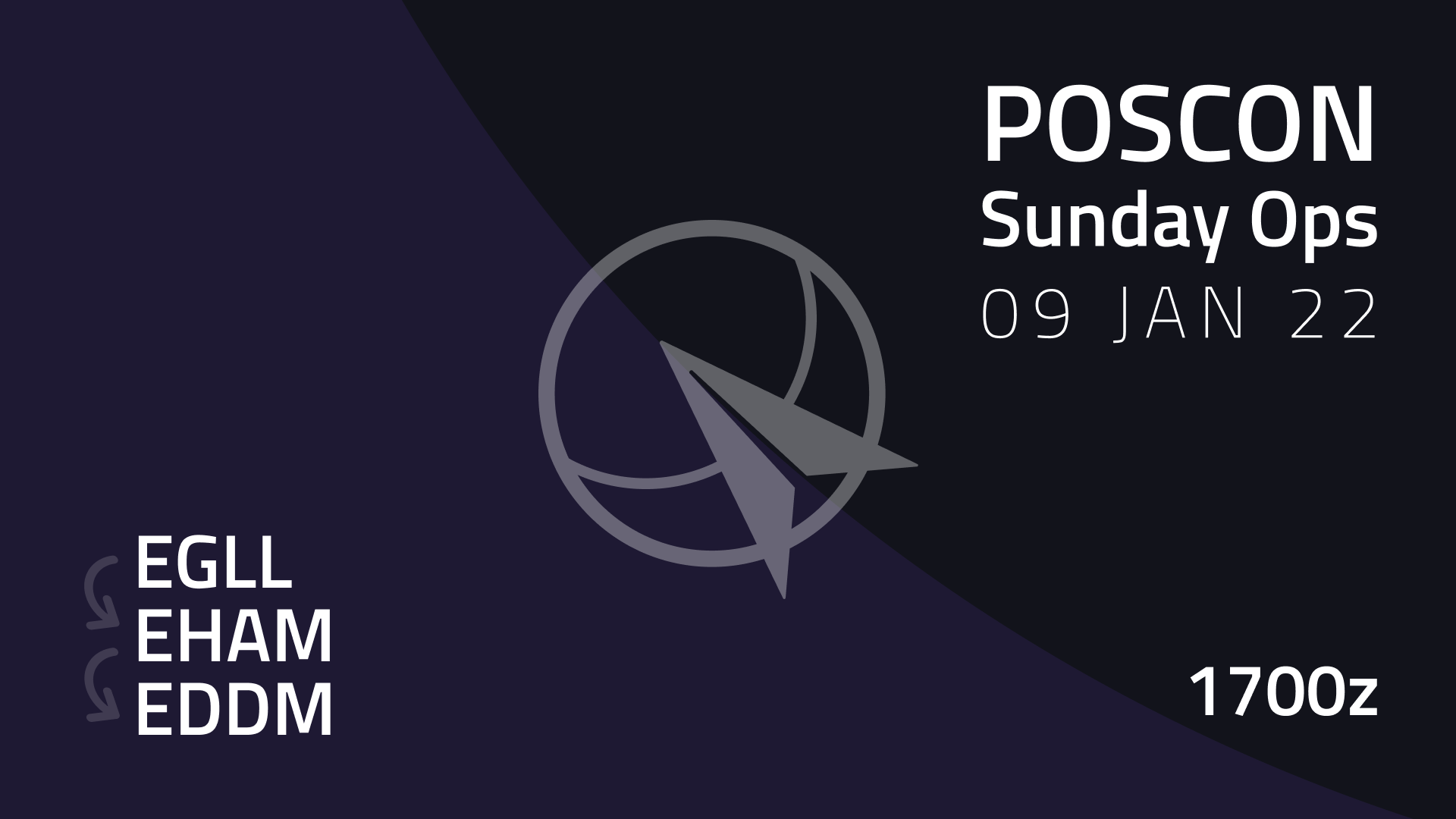
Mark the calendar and come fly with us on 09th January 2022 at 1700z from the busy London Heathrow, with a stopover at Amsterdam Schiphol and finally arriving at Munich experiencing complete ATC coverage throughout the entire route.


Recommended routes

EGLL to EHAM: BPK Q295 BRAIN M197 REDFA

EHAM to EDDM: EDUPO Z739 MISGO DCT DIXAT DCT PODIP DCT BOMBI T104 ROKIL


Airport Briefings

EHAM: EHAM.pdf (prepared by @Olaf Blom (1016062))


Notes

  • Make sure that you have the most recent versions of the POSCON launcher and Pilot Client installed.
  • Make sure that your simulator has the airport sceneries installed.


Recommended Comments

There are no comments to display.

Important Information

By using this site, you agree to our Terms of Use, Privacy Policy, and Guidelines.

Configure browser push notifications

Chrome (Android)
  1. Tap the lock icon next to the address bar.
  2. Tap Permissions → Notifications.
  3. Adjust your preference.
Chrome (Desktop)
  1. Click the padlock icon in the address bar.
  2. Select Site settings.
  3. Find Notifications and adjust your preference.