Flavio 1026809
Members
-
Joined
-
Last visited
-
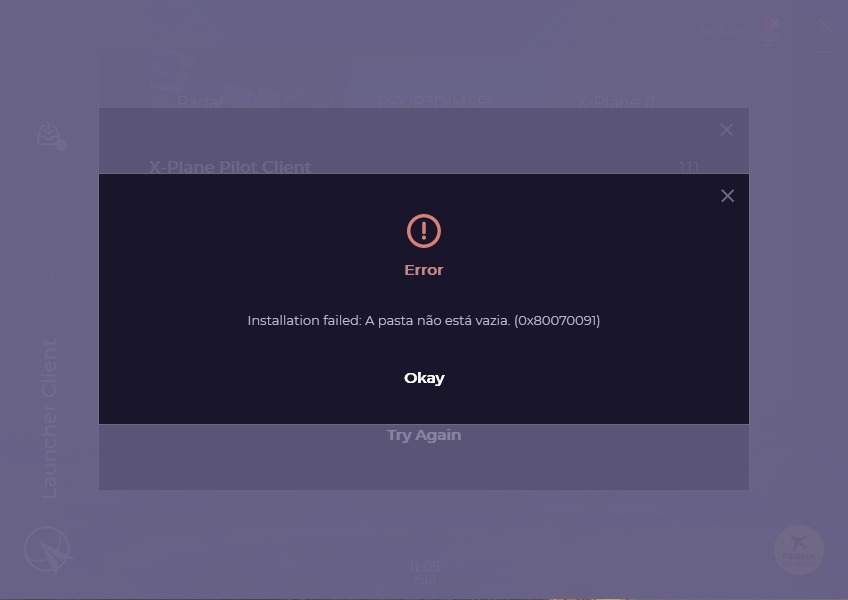
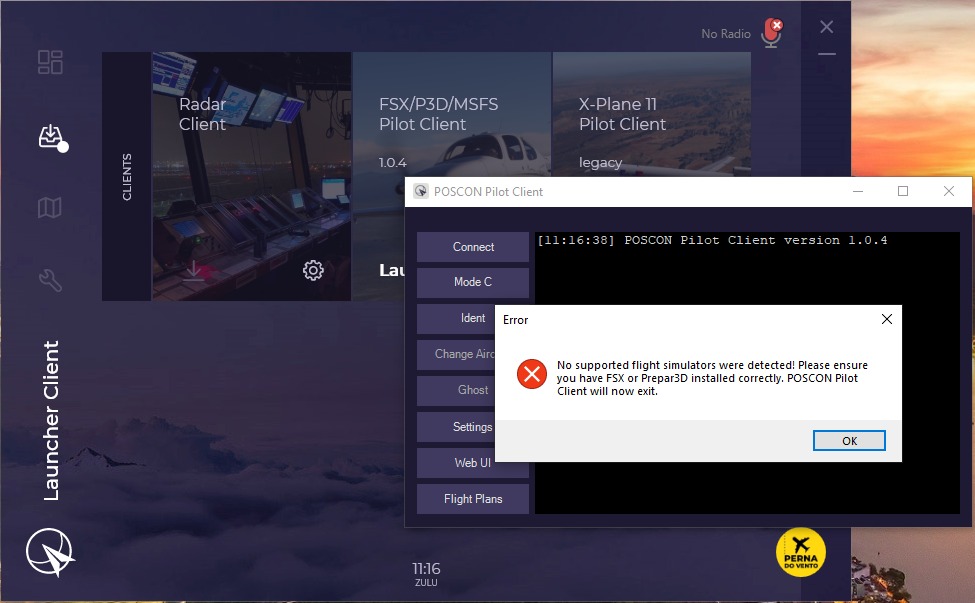
 Hello everyone! Google Morning. I'm getting two errors when trying to install my simulators using launcher: 1) POSCON ERROR: Installation failed: A pasta não está vazia. (0x80070091) This error occurs when I try to install X-Plane11 from Launcher 2) No supported flight simulator were detected! Please ensure you have FSX or Prepar3D installed correctly. POSCON Pilot Cliente will now exit. I didn't get any error messages when installing FS2020. However, when trying to open Launcher with the simulator open I get this error. Observations: 1) I'm using Windows 10 and I have Flywithlua properly installed on my X-Plane11 2) I am opening Launcher in admin mode 3) I've restarted my system to test and it didn't work either. Can someone help me? I'm attaching the errors so you can see