Jump to content
View in the app

A better way to browse. Learn more.

POSCON

A full-screen app on your home screen with push notifications, badges and more.

To install this app on iOS and iPadOS
  1. Tap the Share icon in Safari
  2. Scroll the menu and tap Add to Home Screen.
  3. Tap Add in the top-right corner.
To install this app on Android
  1. Tap the 3-dot menu (⋮) in the top-right corner of the browser.
  2. Tap Add to Home screen or Install app.
  3. Confirm by tapping Install.

Oswaldo 1032389

Members
  • Joined

  • Last visited

Everything posted by Oswaldo 1032389

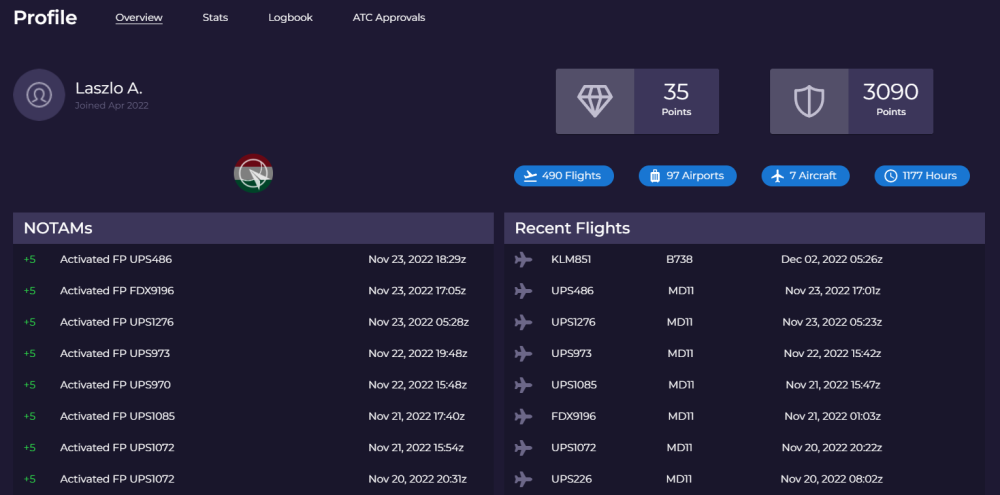
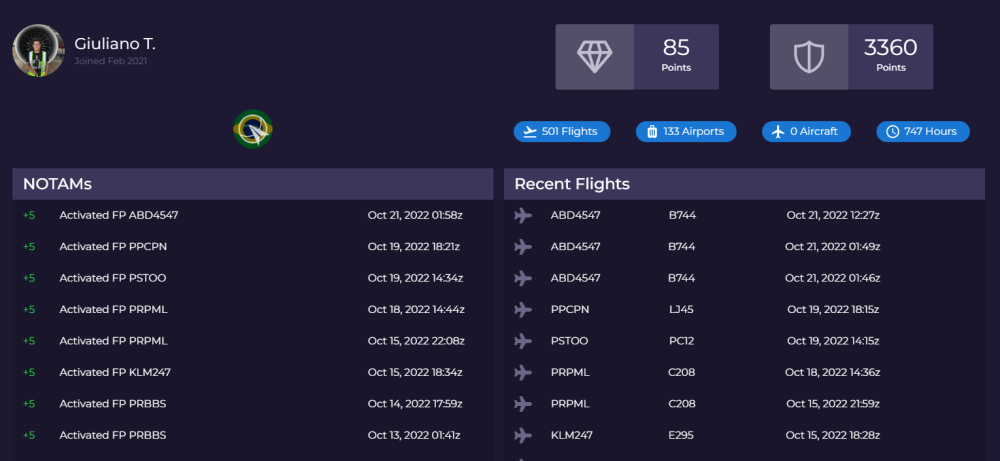
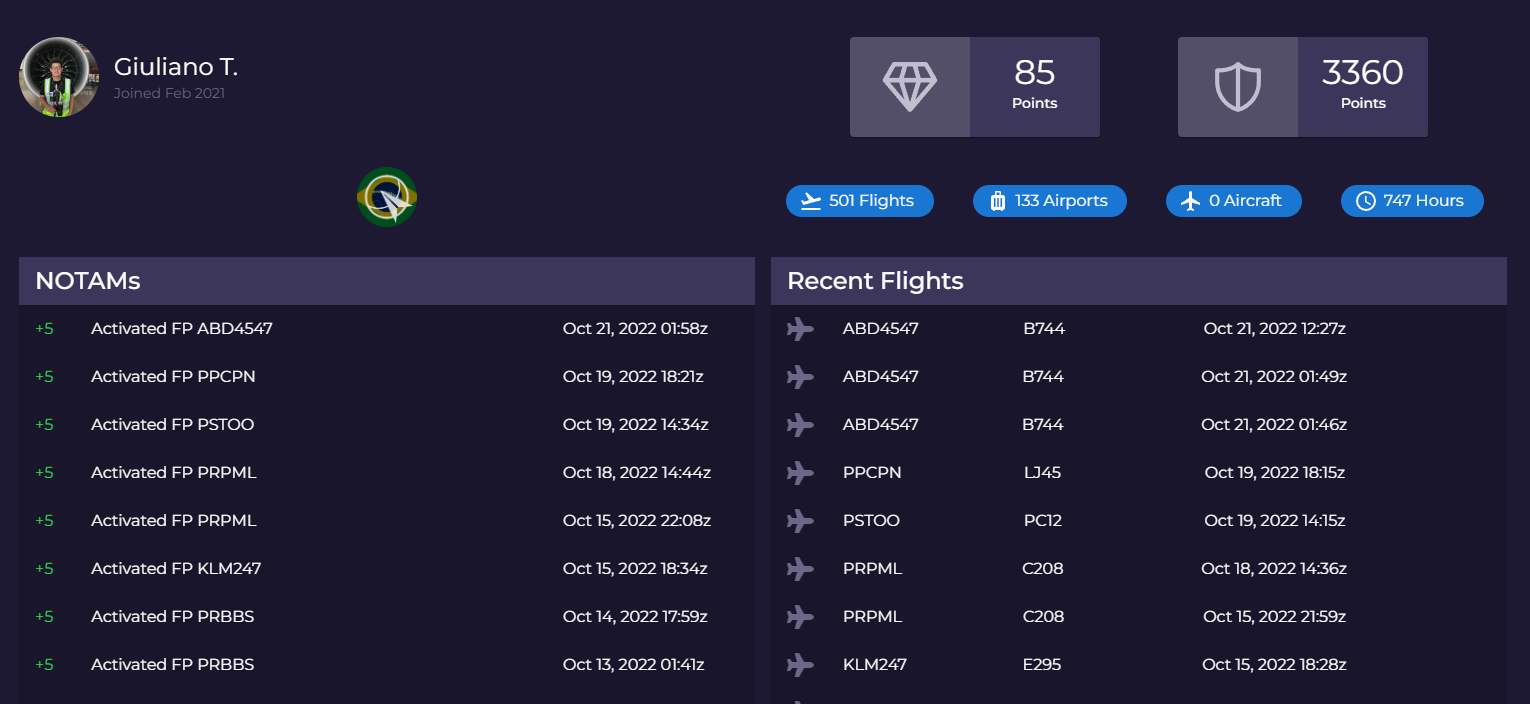
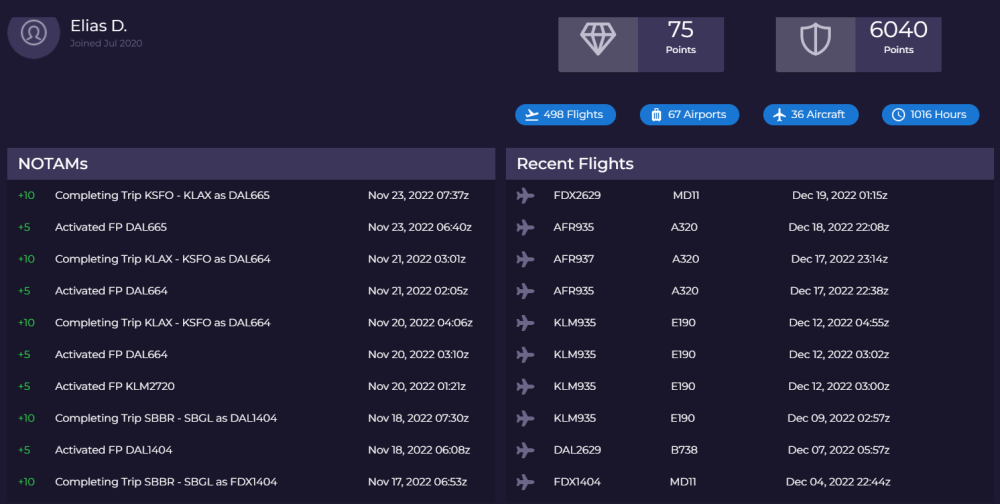
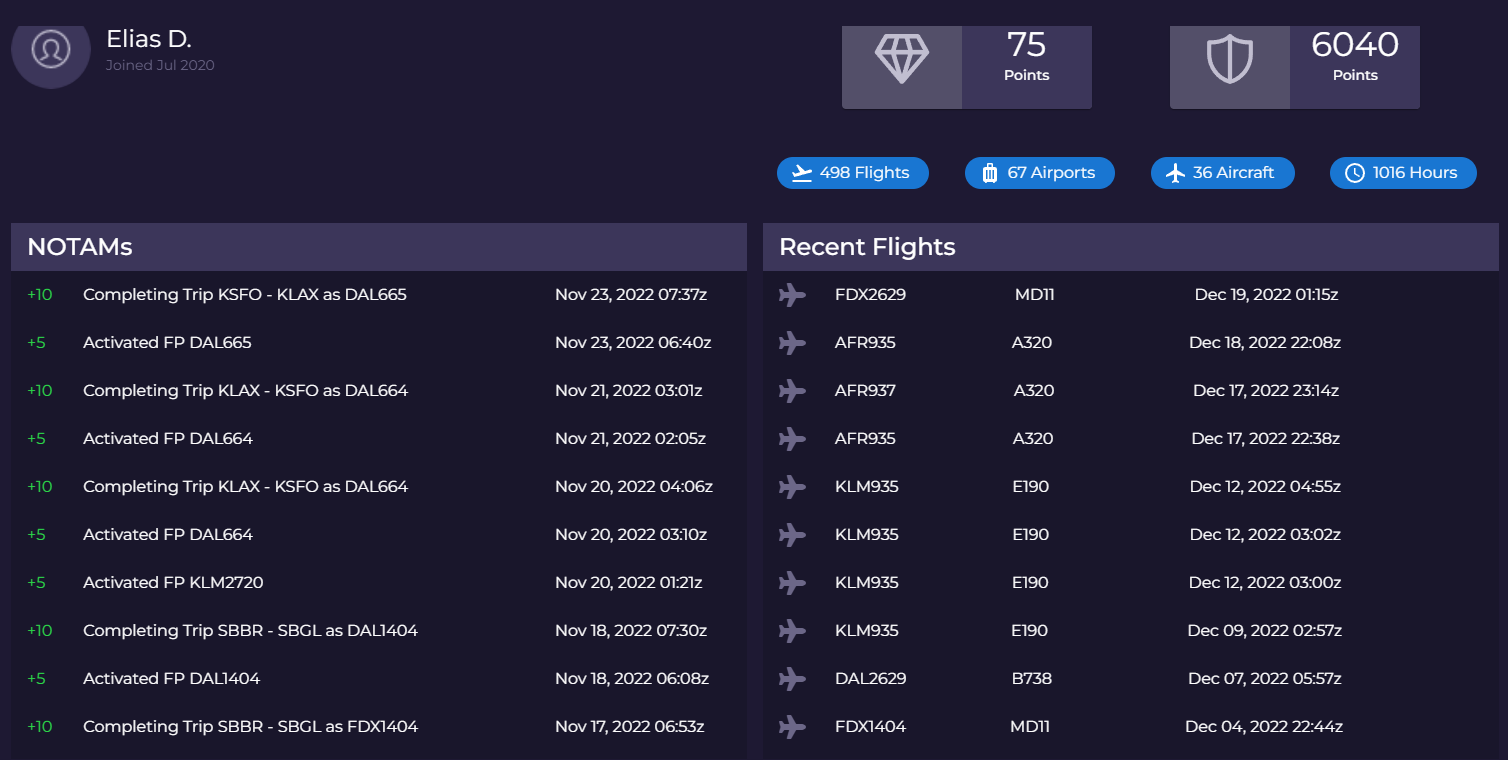
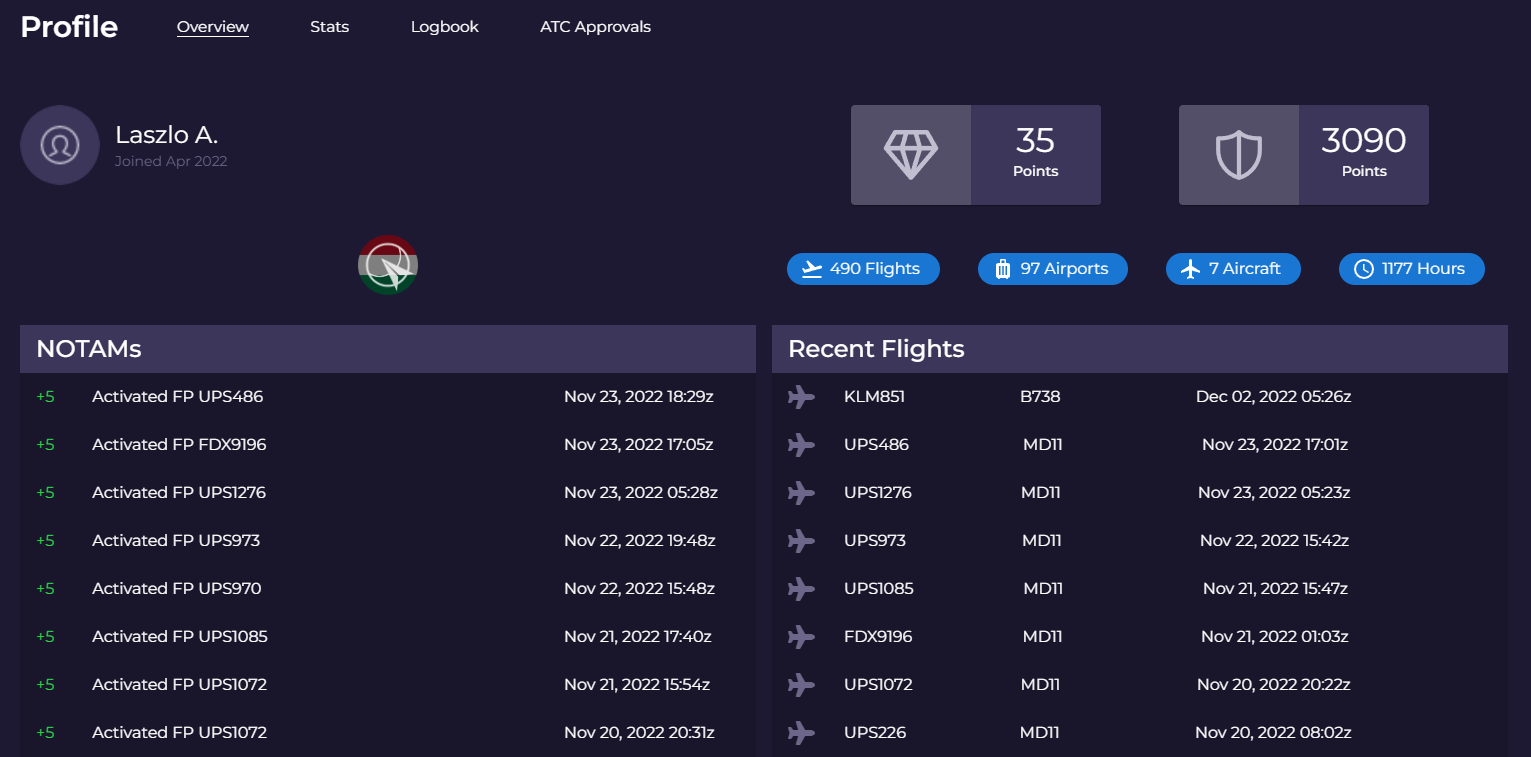
  1. Hello there, I am still trying to undertand what is going here in poscon. Why I can't activate my flight anymore. I looked at the 3 top pilots from poscon and last activated flight from them were in november. https://ibb.co/Z6BwWRB https://ibb.co/ZxYrNyk https://ibb.co/414P3hZ Would have been poscon abandoned by the administrators?
  2. I was away from xplane and poscon for 1 month. After I returned I cannot activate my flight plan anymore. I am doing the same way I always did before. I have noticed that all flights flying in poscon recently don't show the origin and destination like before. Would be this issue general for all users?
Important Information

By using this site, you agree to our Terms of Use, Privacy Policy, and Guidelines.

Account

Navigation

Search

Configure browser push notifications

Chrome (Android)
  1. Tap the lock icon next to the address bar.
  2. Tap Permissions → Notifications.
  3. Adjust your preference.
Chrome (Desktop)
  1. Click the padlock icon in the address bar.
  2. Select Site settings.
  3. Find Notifications and adjust your preference.