
Jump to content
View in the app

A better way to browse. Learn more.

POSCON

A full-screen app on your home screen with push notifications, badges and more.

To install this app on iOS and iPadOS
  1. Tap the Share icon in Safari
  2. Scroll the menu and tap Add to Home Screen.
  3. Tap Add in the top-right corner.
To install this app on Android
  1. Tap the 3-dot menu (⋮) in the top-right corner of the browser.
  2. Tap Add to Home screen or Install app.
  3. Confirm by tapping Install.

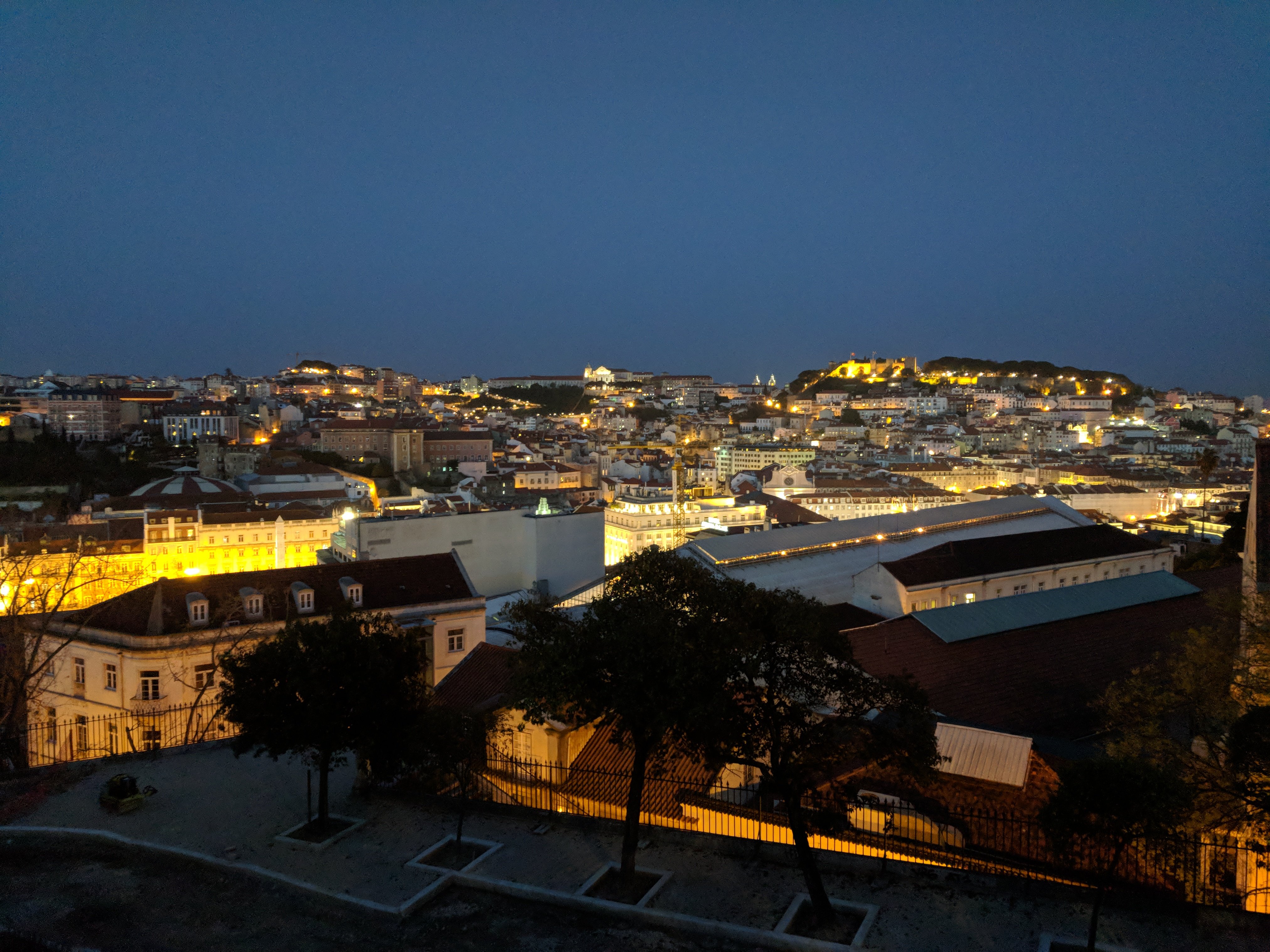
Evento - Dia de Portugal (Dia 9 e 10 de Junho)

Featured Replies

Boa Tarde

Portugal celebra no dia 10 de Junho o dia de Camões (dia de Portugal).
Para celebrar o dia de todos os portugueses, a POSCON Portugal vai realizar um evento nos dias 9 e 10.
Venha voar entre a nossa FIR ou sinta-se à vontade para fazer um  voo Inbound / Outbound de ou para outro país.
Para gerir todos os voos, teremos Lisboa Control online.

Todos são bem-vindos a participar. ?‍?‍??‍?‍?


Detalhes do evento: ?‍✈️

Dias: 09.06 e 10.06
Hora: 1400z - 1700z
ATC online: Lisboa Control (Frequência -125.550)
Tipo de voo: IFR


As rotas mais voadas em Portugal ?? ✈️

LPPT - LPPR - FTM MANIK * (161 NM) LPPT-LPFR - TROIA A5 ODEMI * (154 NM)
LPPT - LPMA - GANSU NARTA ROLAR LIDRO * (540 NM)
LPPT - LPPD - BUSEN KOMUT 38N020W BEKUN * (817 NM) 
-----


LPPR - LPPT - MANIK XAMAX * (227 NM)
LPPR - LPFR - MANIK INBOM ALAGU * (307 NM)
-----


LPFR - LPPT - ODEMI A5 TROIA * (139 NM)
LPFR - LPPR - SOTEX ABLEG * (260 NM)

-----

LPMA - LPPT - DEGUN NARTA UNPOT * (537 NM)

-----

LPPD - LPPT - BEKUN 38N020W KOMUT TABAX BUSEN * (832 NM)

-----

? Antes de voar, verifique se tem as cartas a bordo !! ?

Alguma dúvida ou sugestão, é só perguntar.

Um bom voo para todos ✈️

Gonçalo Santos

Event.png

Edited by Goncalo Santos (1015415)

Já começou o nosso evento de 2 dias

Junte-te a nós até as 1700z


Até já ?

Important Information

By using this site, you agree to our Terms of Use, Privacy Policy, and Guidelines.

Configure browser push notifications

Chrome (Android)
  1. Tap the lock icon next to the address bar.
  2. Tap Permissions → Notifications.
  3. Adjust your preference.
Chrome (Desktop)
  1. Click the padlock icon in the address bar.
  2. Select Site settings.
  3. Find Notifications and adjust your preference.