
Steve 1029549
Members
-
Joined
-
Last visited
-
 Perfect thanks. I really appreciate the prompt help. Cheers
 -
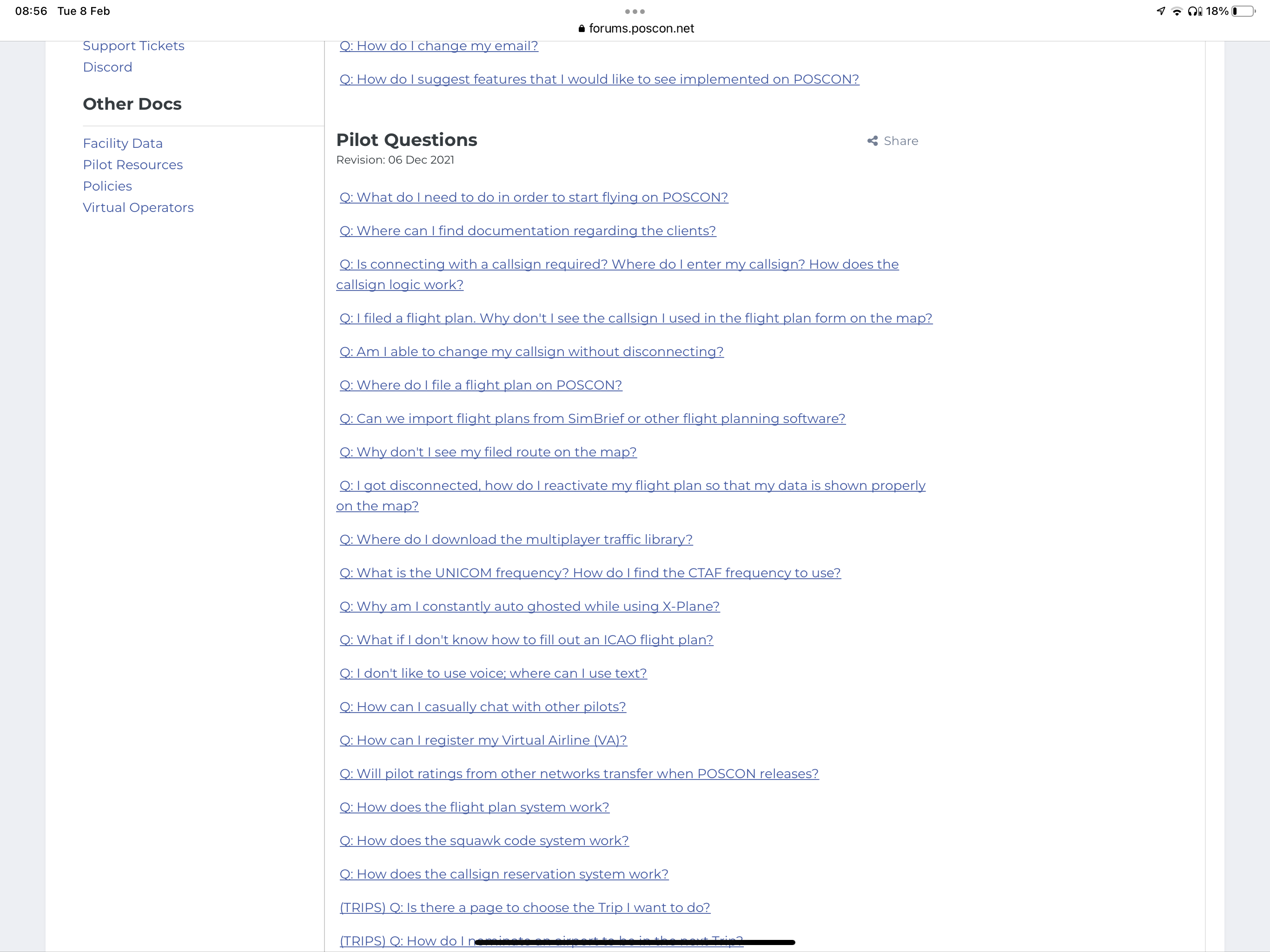
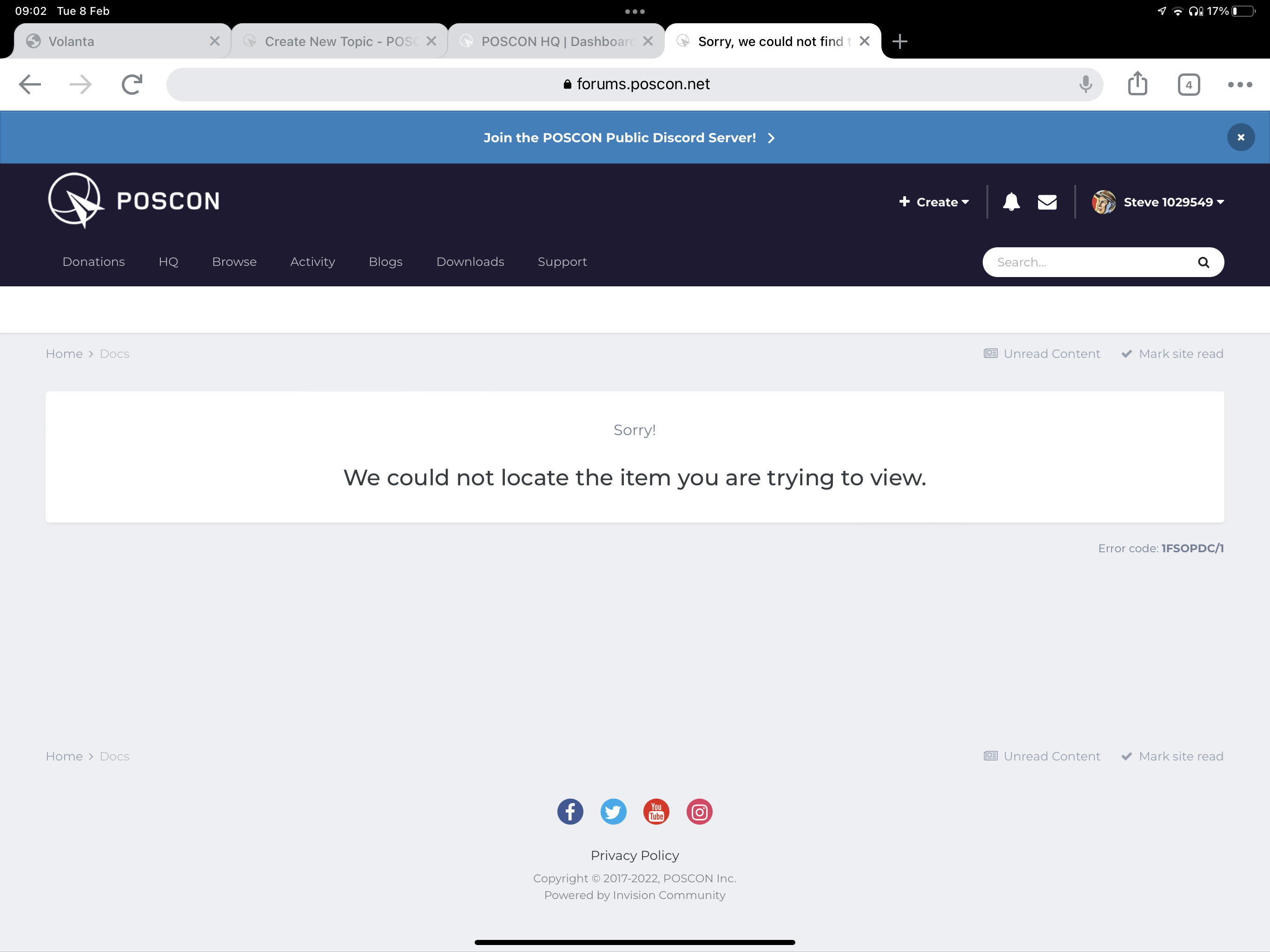
Sorry to keep bombarding you with stuff but I’m very keen to get going with POSCON. A lot of the answers to the many Qs I have seem to be in the pilot FAQs but many (all?) of the links seem to have moved. Are they still discoverable and if so where.? Thanks and bests. Steve.
-
Just one more thought. I think (but could be wrong) that you are not able to do this in Vatsim. If so you might usefully make more of it. For new pilots it’s a very attractive feature.
-
Thanks for the prompt response Maher. That’s great news. Whilst, obviously, the point of POSCON is to be able to fly “publicly” - it’s very helpful to newbies like me to ease ourselves in before doing so. I’m getting quite excited by POSCON as a place to start the next stage of my simming. Great UI btw.
-
I don't know if this is non sequitor as I'm new to real time ATC but, can I file a flight plan but then chose to be in ghost mode to execute it? Or can I only be in ghost mode if I'm not flying? Sorry if this is obvious, but I guess the advantage is that I could be hearing ATC but not having the stress of trying to execute perfectly. Steve Clarke