Saman Mahdi Abadi
Members
-
Joined
-
Last visited
-
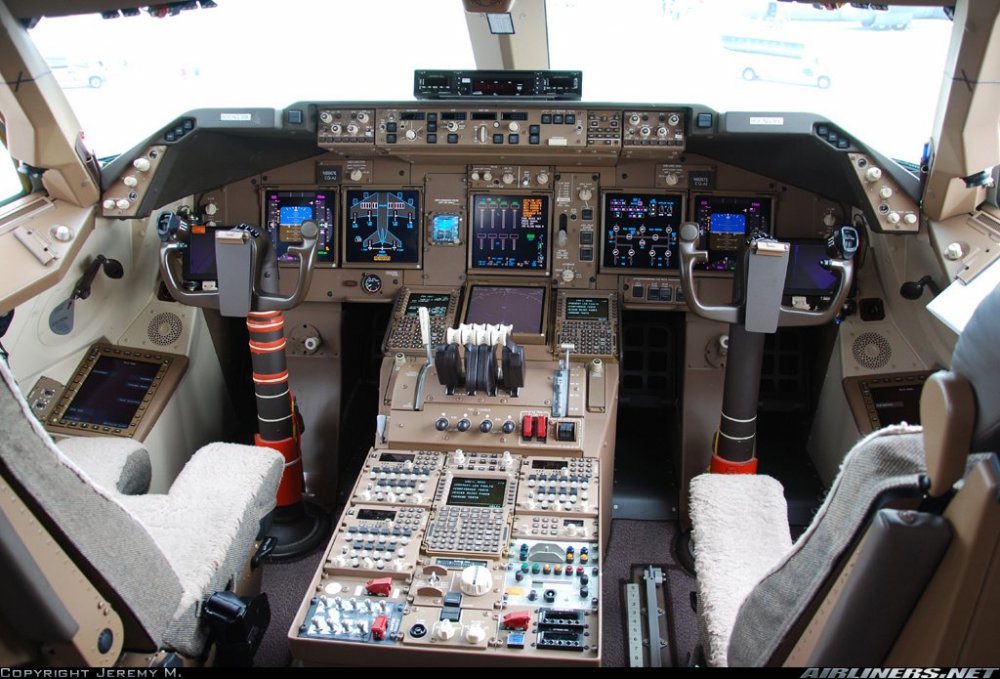
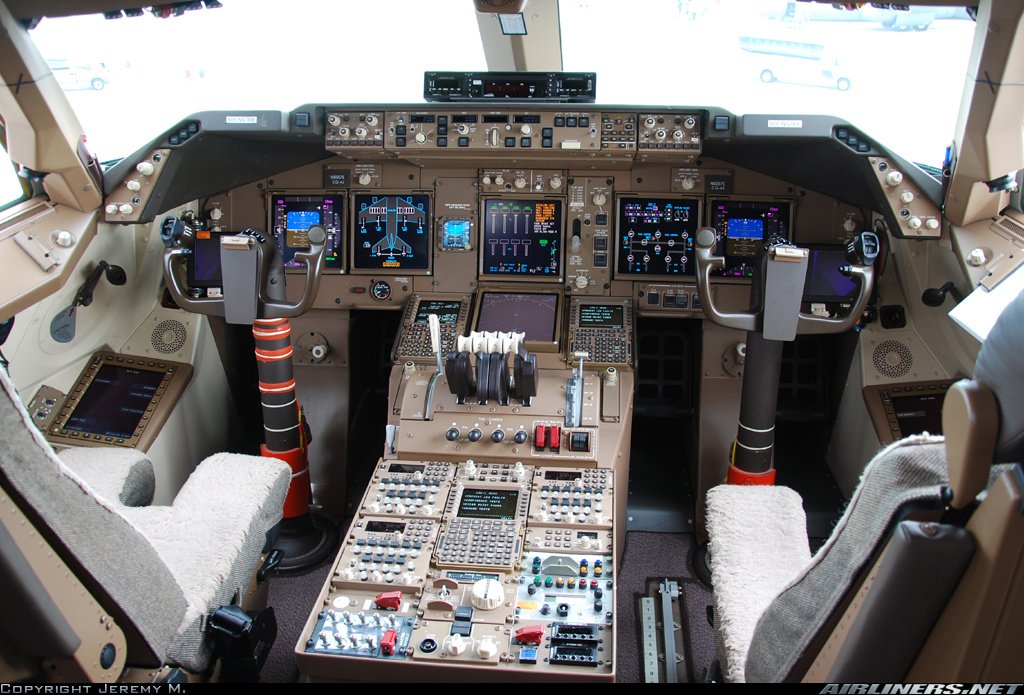
 Hi Friends Saman here from Iran, and just turning 28 in 1 day.... OIII/OIIE , Mechanical Engineer in field of solid designs and also a real Aircraft Maintenance Engineer. A big fat Boeing fan who loves and worships the 747 the just Queen of the Skies. Wish to see you guys soon enough when the network is started . Fly high. -S.