
Jump to content
View in the app

A better way to browse. Learn more.

POSCON

A full-screen app on your home screen with push notifications, badges and more.

To install this app on iOS and iPadOS
  1. Tap the Share icon in Safari
  2. Scroll the menu and tap Add to Home Screen.
  3. Tap Add in the top-right corner.
To install this app on Android
  1. Tap the 3-dot menu (⋮) in the top-right corner of the browser.
  2. Tap Add to Home screen or Install app.
  3. Confirm by tapping Install.

Brian Mccumiskey

Members
  • Joined

  • Last visited

  1. Hello, I had a quick question regarding model matching. I am a bit confused of how model matching will work. So do I still need to get my own model matching or does Poscon have it's own version of model matching? Thanks! Brian McCumiskey
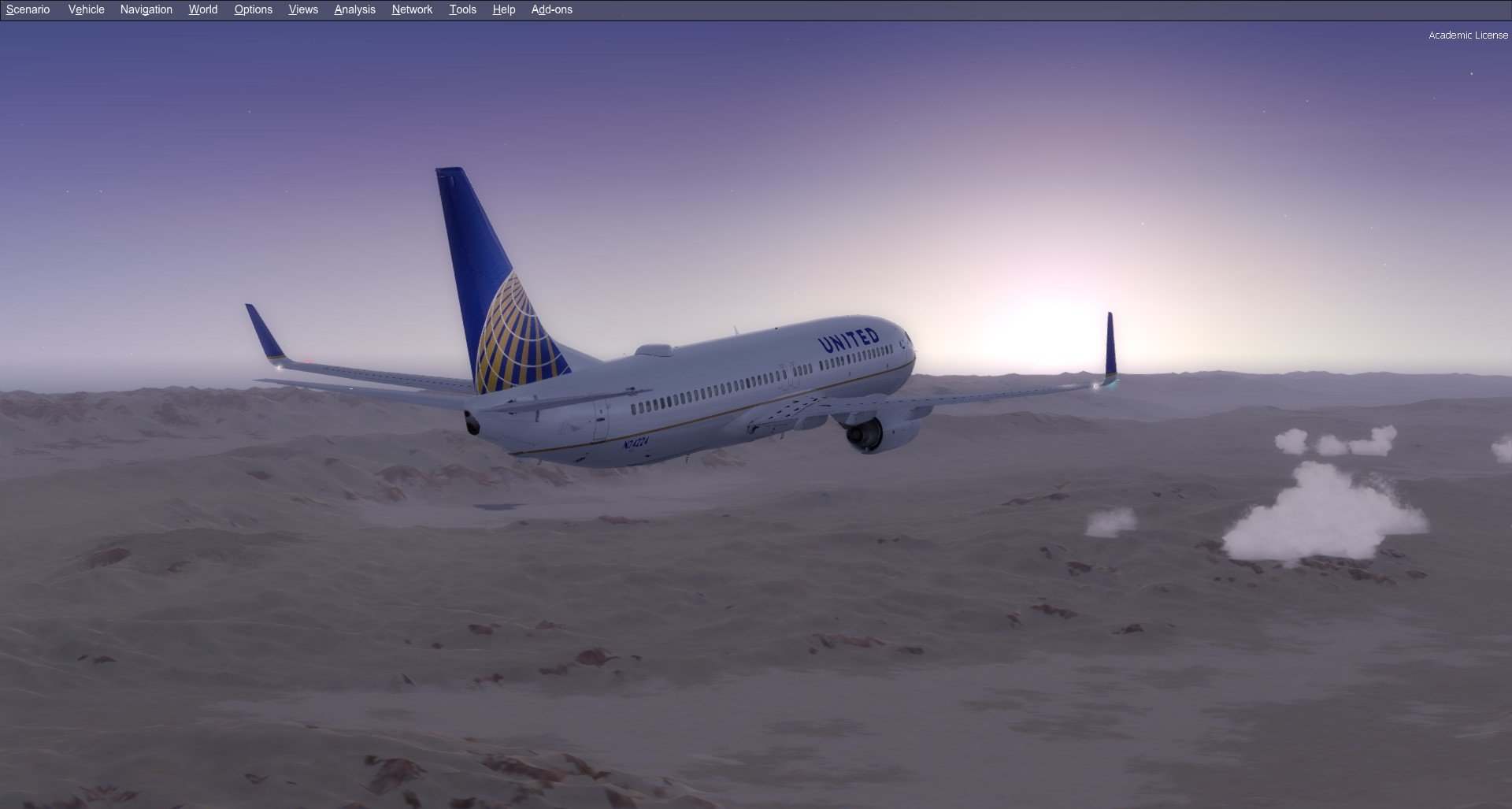
  2. Brian KSFO I love flying with @Nico during his streams unless he does a crazy landing into Paro Bhutan as he has those skills to pay them bills and I don't yet ? My favorite flightsim experience however is landing with parallel traffic into my favorite scenery, FlightBeam KSFO, and in my favorite airline and aircraft, in the United PMDG 737-800.

Important Information

By using this site, you agree to our Terms of Use, Privacy Policy, and Guidelines.

Configure browser push notifications

Chrome (Android)
  1. Tap the lock icon next to the address bar.
  2. Tap Permissions → Notifications.
  3. Adjust your preference.
Chrome (Desktop)
  1. Click the padlock icon in the address bar.
  2. Select Site settings.
  3. Find Notifications and adjust your preference.