
Michel Montreuil
Members
-
Joined
-
Last visited
-
 Michel Montreuil changed their profile photo
 -
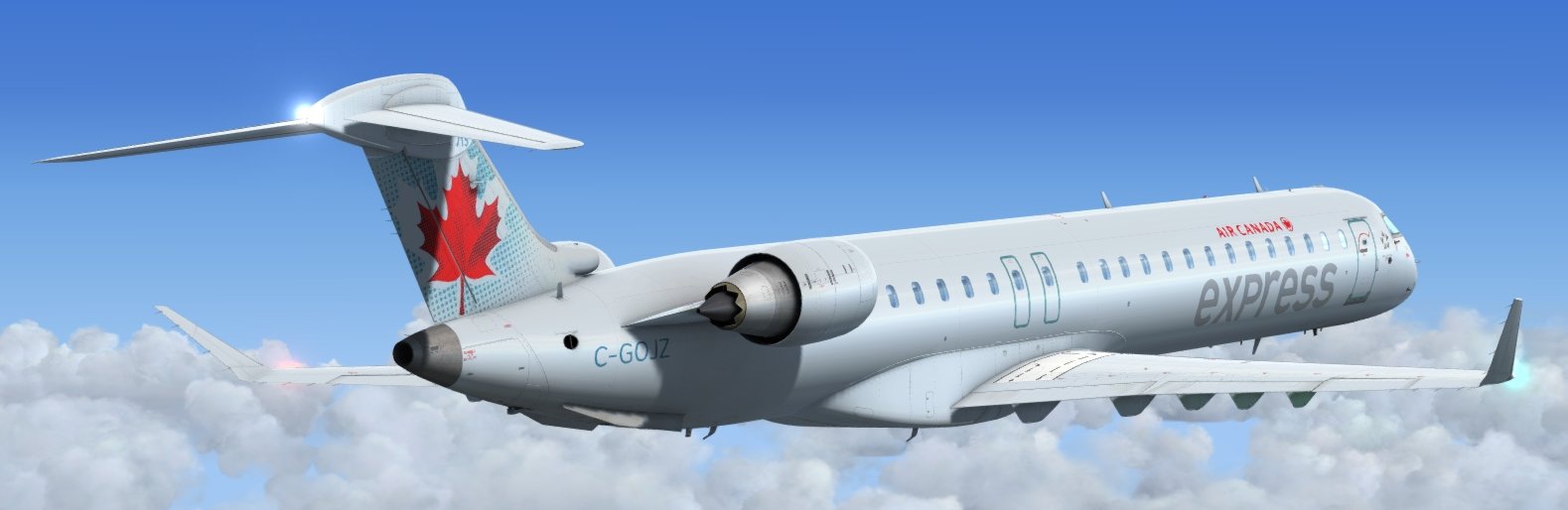
Good day! I'm a experienced online flight simulation user, been through VATSIM (They got me banned for silly things, AFK) but I've been using IVAO for the last year and so. I really hope POSCON will be what i'm looking for in a online Flight Simulation Network in regards to Traffic and Controllers, a good variety is nice! My favourite aircraft to fly on Prepar3D is the Q400, but I also actively fly, CRJ's, A320's, PMDG Series aircraft 737/777, if you know me though, I love my Turboprops over jets anyday! In the real world, I'm a Station Manager for a Ground Handling Company in Sudbury, Ontario, Canada (CYSB), I also work as a Observer on Forest Fire Patrols in a Cessna C337 Skymaster during the warm Northern Ontario summers. I'm also working on finishing up my Private Pilot Licence on a Cessna 172M.