
Jump to content
View in the app

A better way to browse. Learn more.

POSCON

A full-screen app on your home screen with push notifications, badges and more.

To install this app on iOS and iPadOS
  1. Tap the Share icon in Safari
  2. Scroll the menu and tap Add to Home Screen.
  3. Tap Add in the top-right corner.
To install this app on Android
  1. Tap the 3-dot menu (⋮) in the top-right corner of the browser.
  2. Tap Add to Home screen or Install app.
  3. Confirm by tapping Install.

Rene Billiani

Members
  • Joined

  • Last visited

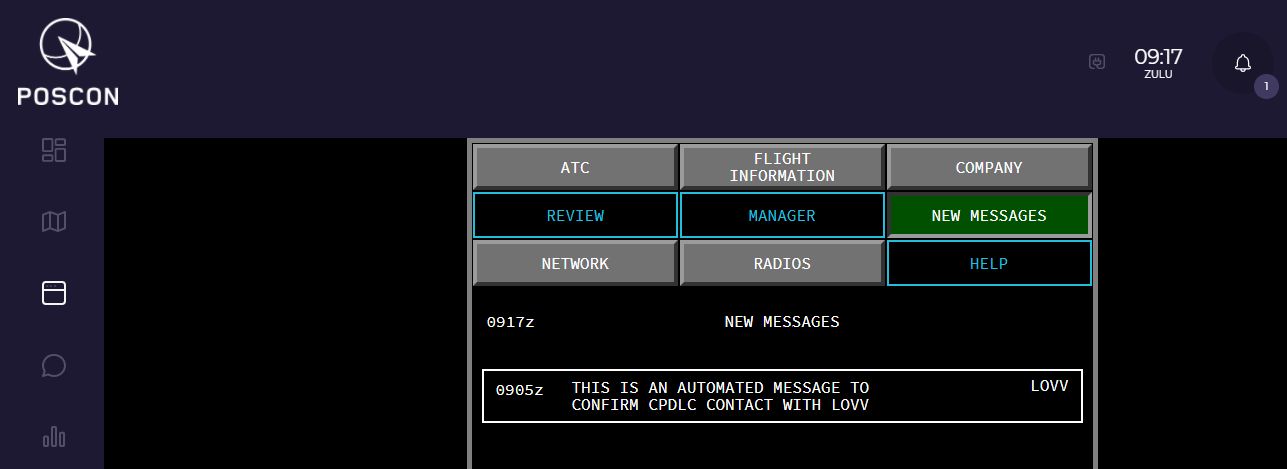
  1. Sorry, I have to warm this up, I am connected with a valid flightplan to LOVV - departing LOWW Vienna, no Squawk Code received My FP: N0433F320 OTGAR2C MEDIX DCT RENKA/N0445F380 L610 UPALA Z744 LEPSA/N0408F240 Z104 AGBUL T894 BITBU Z110 BETEX BETEX3K

Important Information

By using this site, you agree to our Terms of Use, Privacy Policy, and Guidelines.

Configure browser push notifications

Chrome (Android)
  1. Tap the lock icon next to the address bar.
  2. Tap Permissions → Notifications.
  3. Adjust your preference.
Chrome (Desktop)
  1. Click the padlock icon in the address bar.
  2. Select Site settings.
  3. Find Notifications and adjust your preference.