

Caleb 1024413
Members
-
Joined
-
Last visited
Everything posted by Caleb 1024413
-
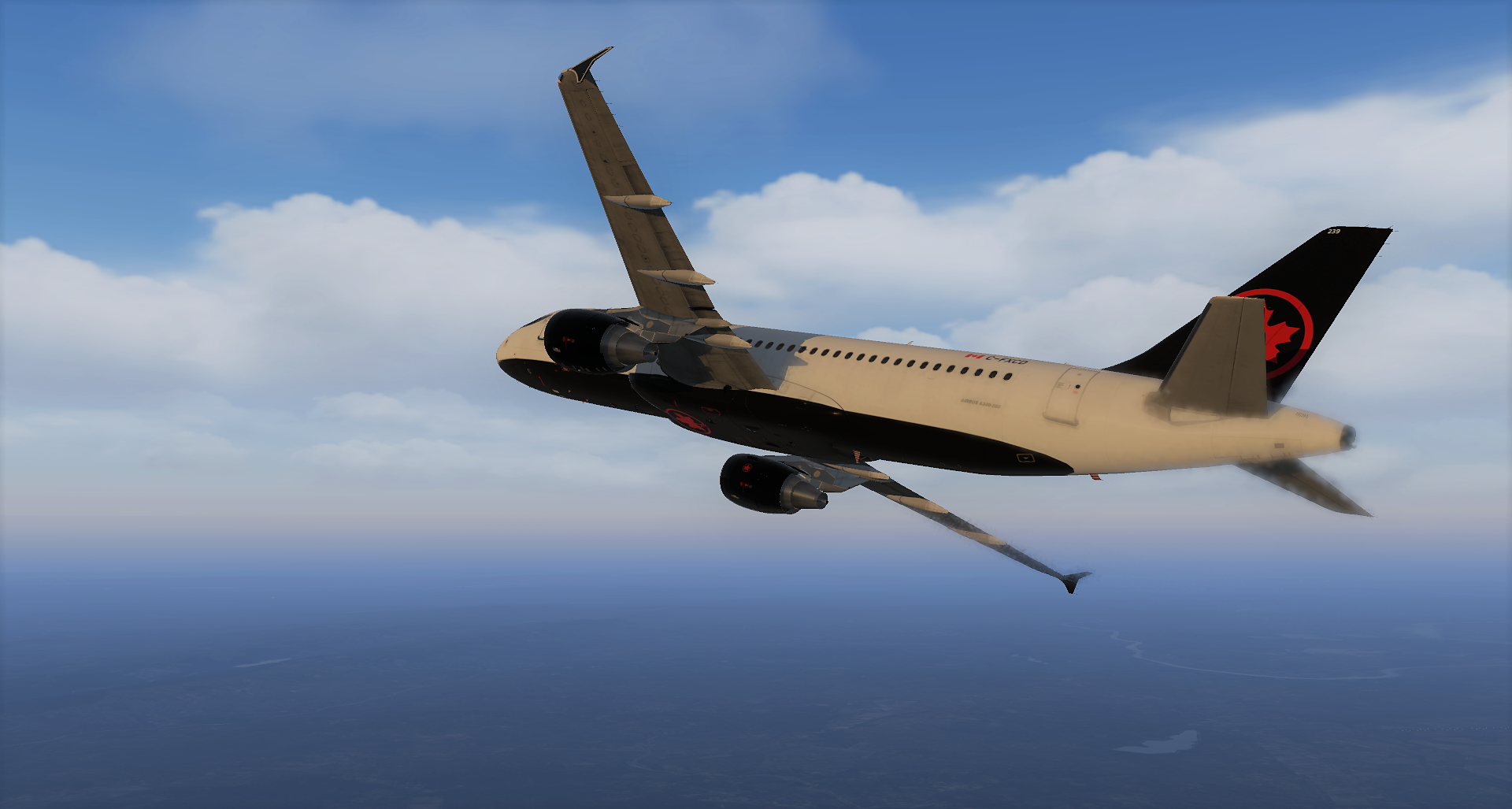
 Hey all! Caleb from Canada. I fly the Q400 IRL but am temporarily grounded thanks to the current state of the world. In the sim world I mainly use X-Plane 11 and enjoy the 757 and A320 with the occasional hop in the Dornier 228 or Saab 340. If you want to come hang during a flight I also stream on Twitch as TheWingedLlama! Great to be here!
