
Ian v.
Members
-
Joined
-
Last visited
Everything posted by Ian v.
-
 LNAV will determine the right bank angle automatically. Setting the bank angle knob to 10 degrees above FL300 is a precaution in case LNAV disengages during cruise and HDG select has to be used.
 -
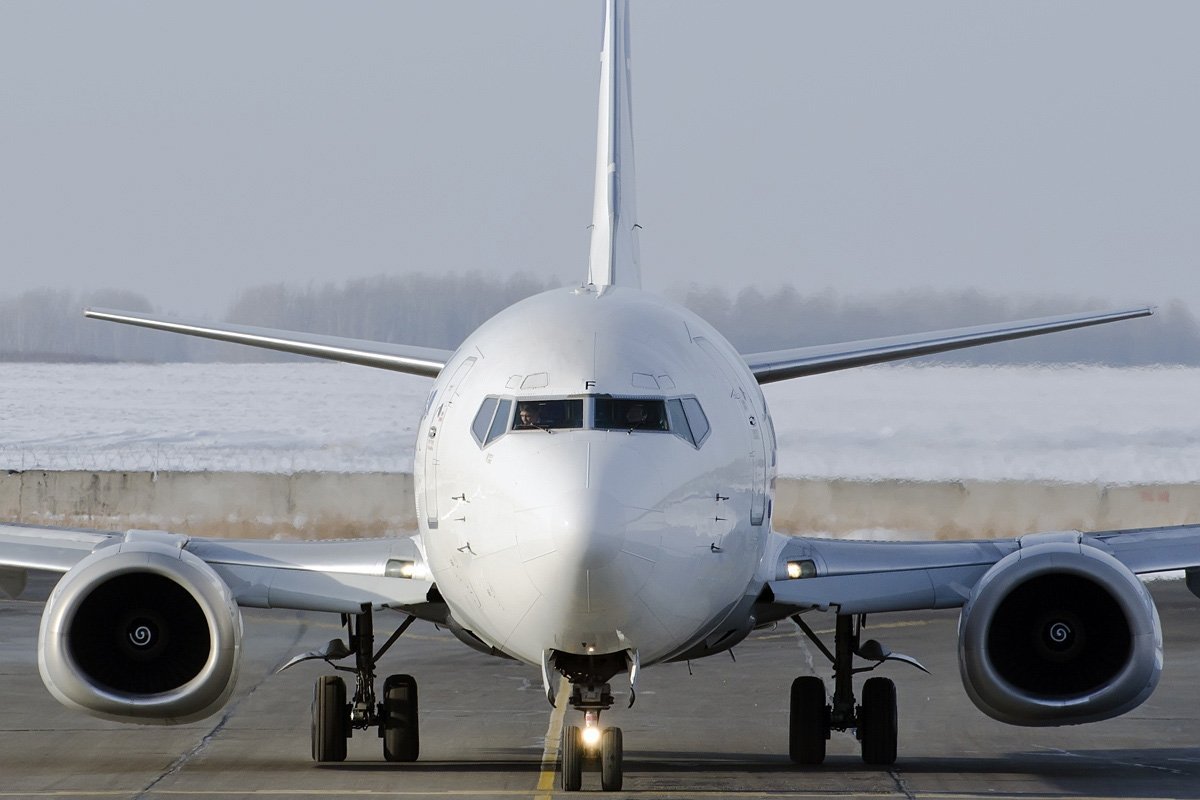
Hi everyone! My name is Ian, 37 years old and from the Netherlands. I live under the approach route of 18R at EHAM. I've been into flight simming since i was 13 years old. My first sim was Microsoft Flight Simulator 5.1 for MS-DOS. Since X-plane 10 i moved to X-plane because i believed in the future of that sim and where it was going. Currently i use X-plane 11, often in VR. Favourite plane is currently the Zibo 737-800X. I'm very excited about POSCON and i bet we will have a lot of fun here in the future!
-
Wow this is good news! I'm so hyped for this. You guys do good work! o7
