

Liesel D. (1011906)
Banned
-
Joined
-
Last visited
-

-
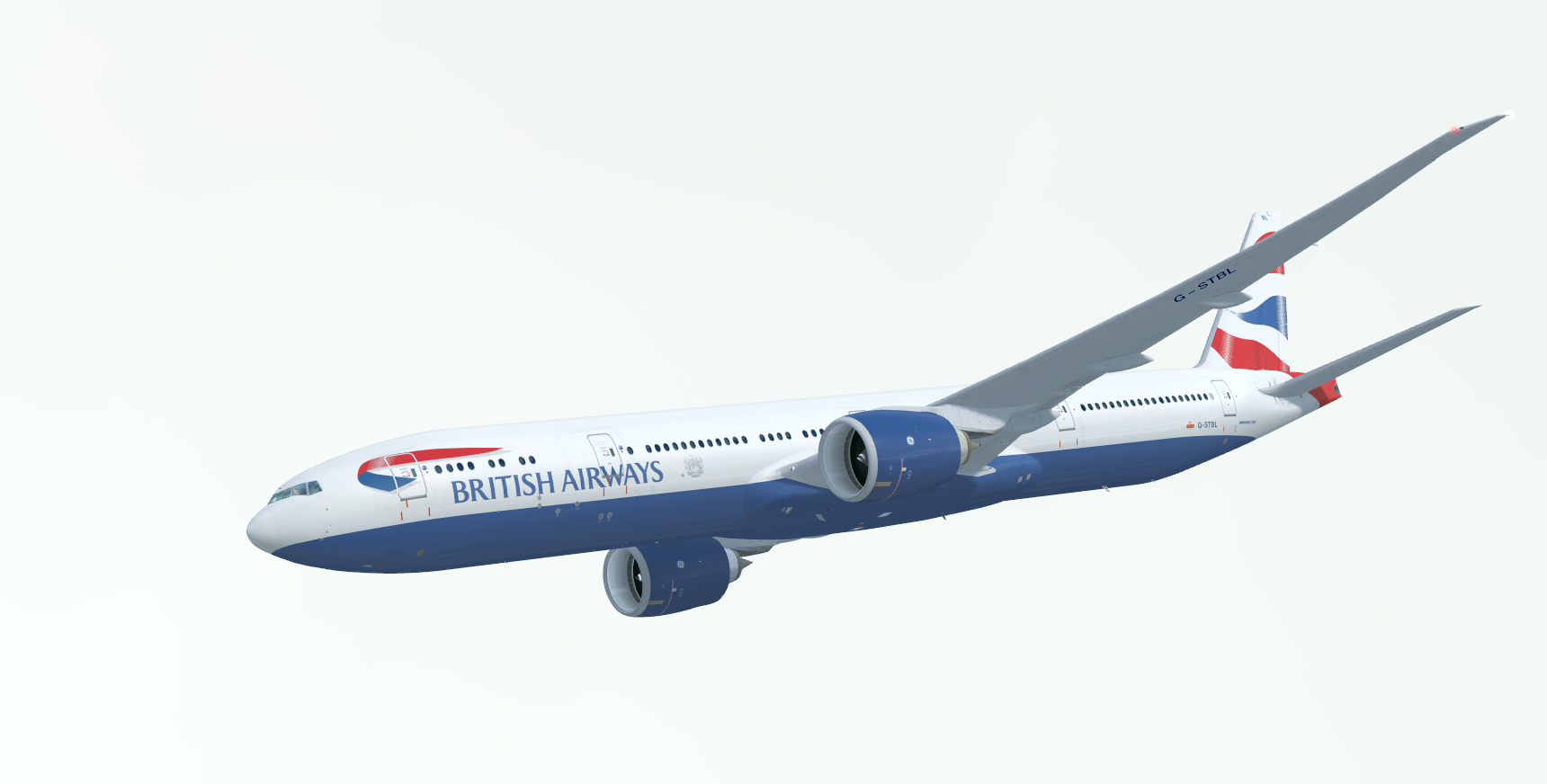
Those look stunning!
-
It's good to see you all signing up for POSCON ?
-
The NDA for beta testers seems to have been lifted as of I think yesterday. The screenshots look stunning so far!
-
This will be one of the aircraft I actually use P3D for. Can't wait!
-
I may as well throw my story in. My name is Liesel, I'm a teenage aviation enthusiast from Adelaide, Australia (YPAD). I do front end web work here at POSCON. X-Plane 11 is my main sim. I suppose my favourite thing about flight sim is the variety of aircraft and scenery available. My flight sim story started in late 2015 with FSX. Within VATSIM I hold an S2 Tower rating with VATPAC, and also visiting in the UAE.
-
Do you use a VPN connected to somewhere outside of mainland China?
-
I find it interesting how IVAO designs their controller client. It seems to favour something ease of use and a clean UI over a realistic one; something I usually don't see in the VATSIM community. Perhaps it's just a community preference over there.